Reset macOS MIDI Config
The macOS MIDI configuration can become corrupted after experimenting with network MIDI sessions or other MIDI setup changes, leaving ghost devices or sessions that cannot be removed or used. This page describes how to completely reset it.
Symptoms
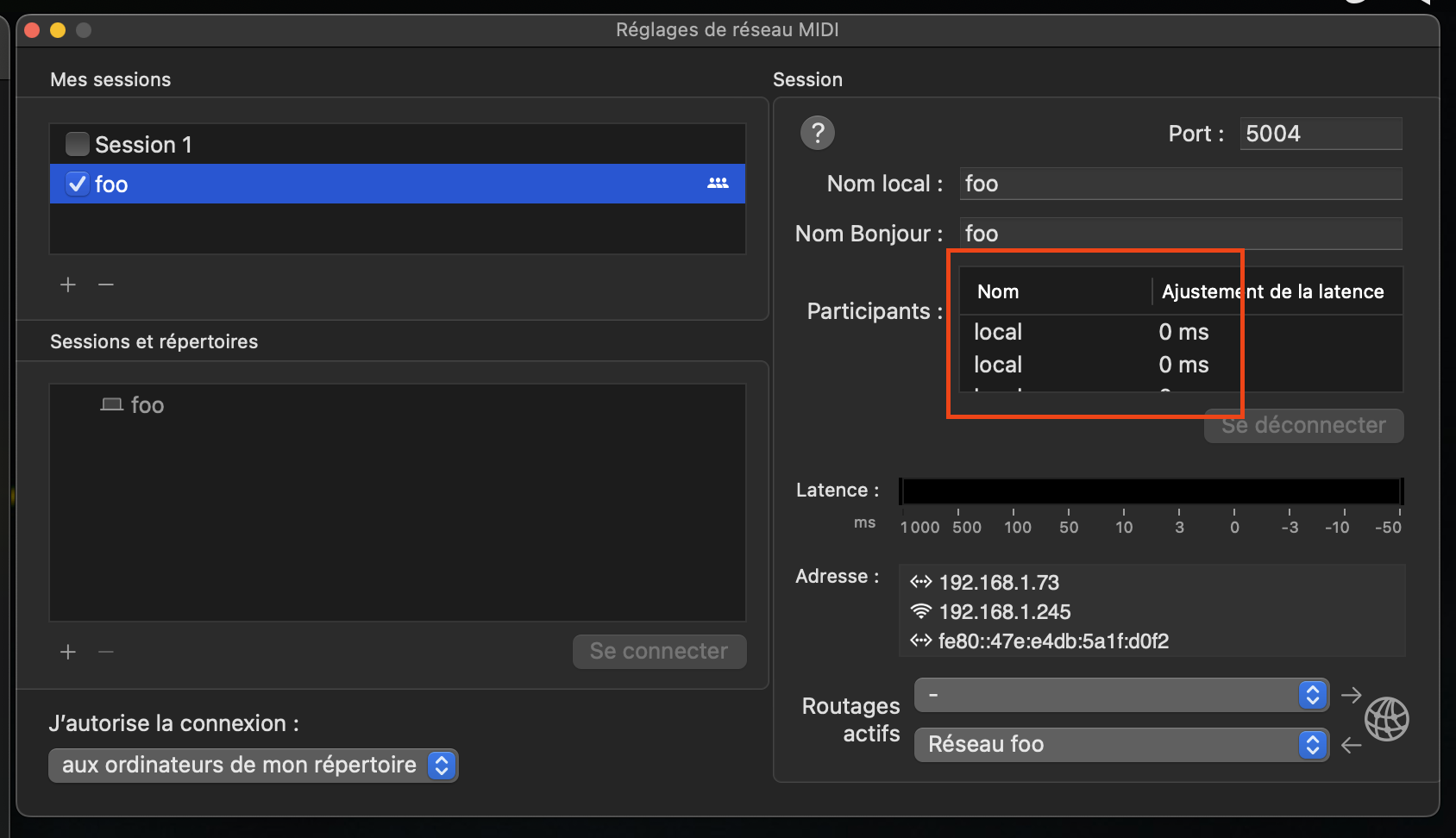
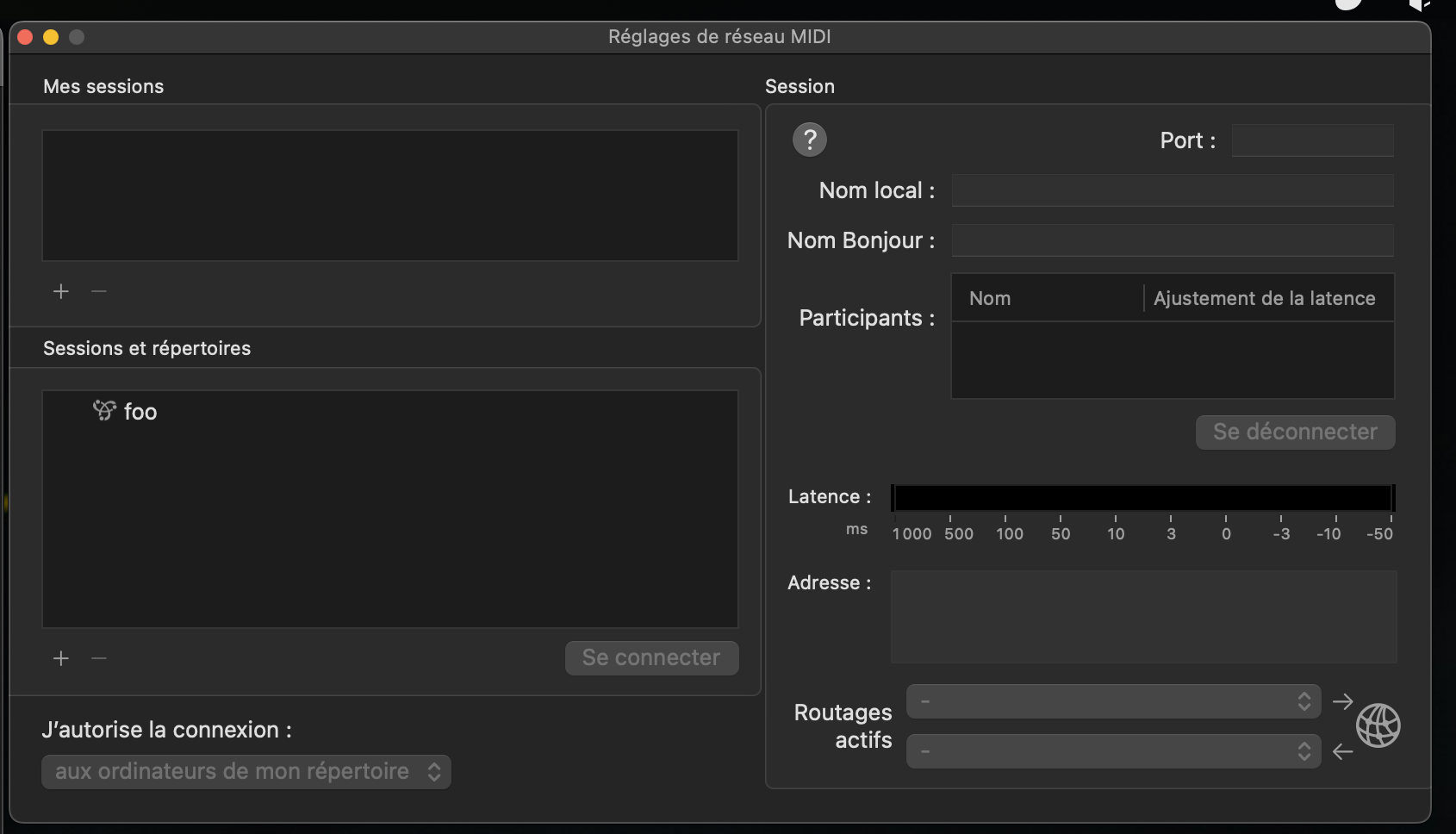
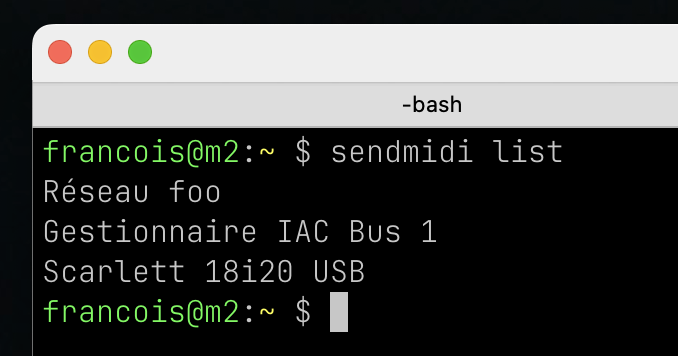
You may have ghost network sessions or devices that appear in Audio MIDI Setup but cannot be removed or configured.
Example with a ghost session/device named “foo”:
Reset procedure
Close Audio MIDI Setup if it is open, then delete the macOS MIDI configuration:
rm ~/Library/Preferences/ByHost/com.apple.MIDI.*.plistThe wildcard is intentional, the filename contains a machine-specific UUID. The file will be regenerated automatically on next launch.
Re-open Audio MIDI Setup. The configuration should now be blank, showing only the default devices.
Notes
- Tested on macOS 13 Ventura and macOS 14 Sonoma. The file path may differ on older versions.
- This deletes the entire MIDI configuration, including any custom device names, port configurations, and network sessions. You need to reconfigure them manually after the reset.
- If the wildcard matches nothing, there is no MIDI configuration file to delete, and macOS will create a fresh one the next time Audio MIDI Setup is launched.